JOHN LOCKE

  • Featured Work
  • Design Blog           
  • Photography
  • Graphic Design
  • Lion in Oil

About

Hello. I live in New York and work at RMA. I hold a graduate degree from Columbia University's GSAPP and an undergraduate architecture degree from the University of Texas at Austin. I have more than six years of combined professional experience at both SOM in New York and Randall Stout Architects in L.A . I also tackle freelance graphic and photography work with my partner in crime, the multi-talented Jackie Caradonio at Lion in Oil. View my CV here: CV(html) or CV(pdf) for more info or contact me for further work samples, questions or collaborations. Thanks and have a nice day.

Contact

john.h.locke{at}gmail.com
310.735.3333

Architecture Portfolios

Portfolio 2002-2007 (issuu)
Portfolio 2008-2009 (issuu)

HOME / BLOG

processing

20101024 Tags: graphic design, processing | 2 Comments »

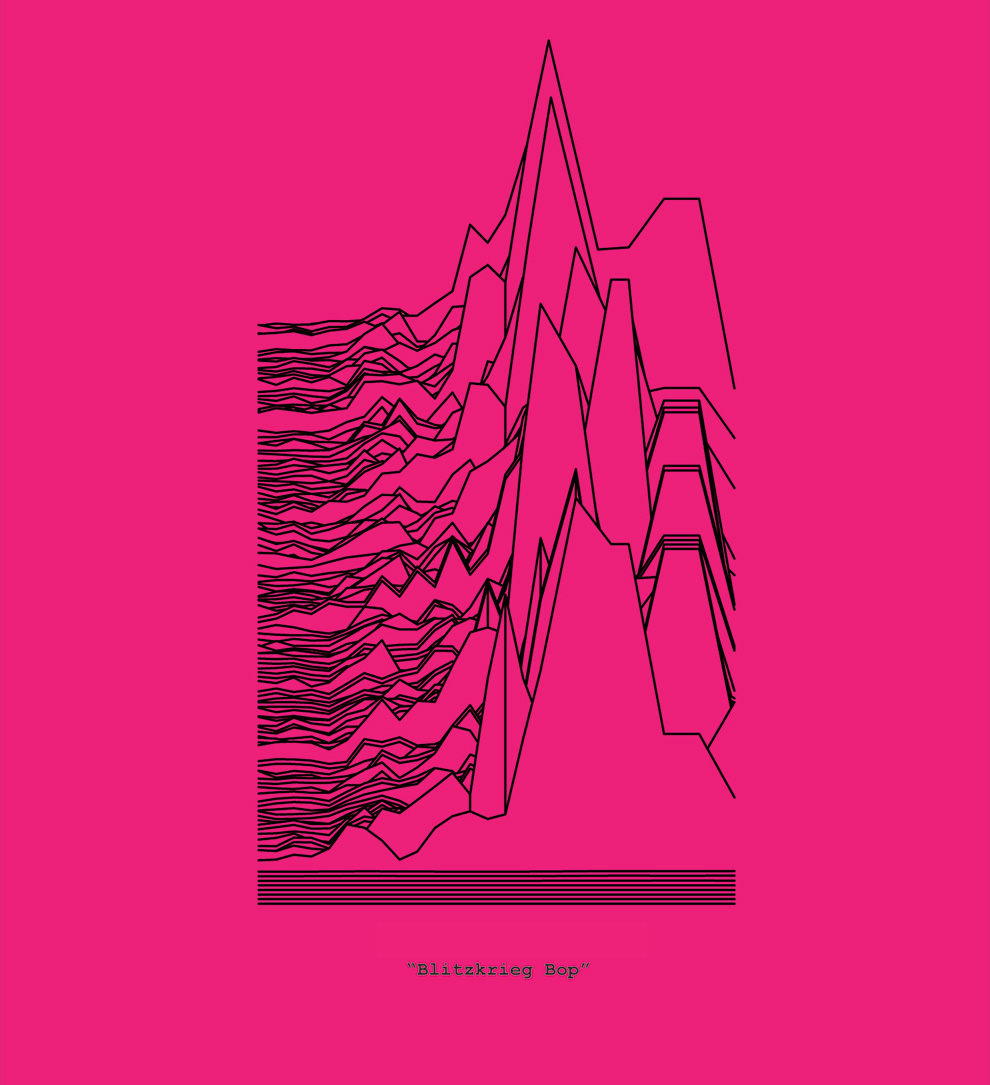
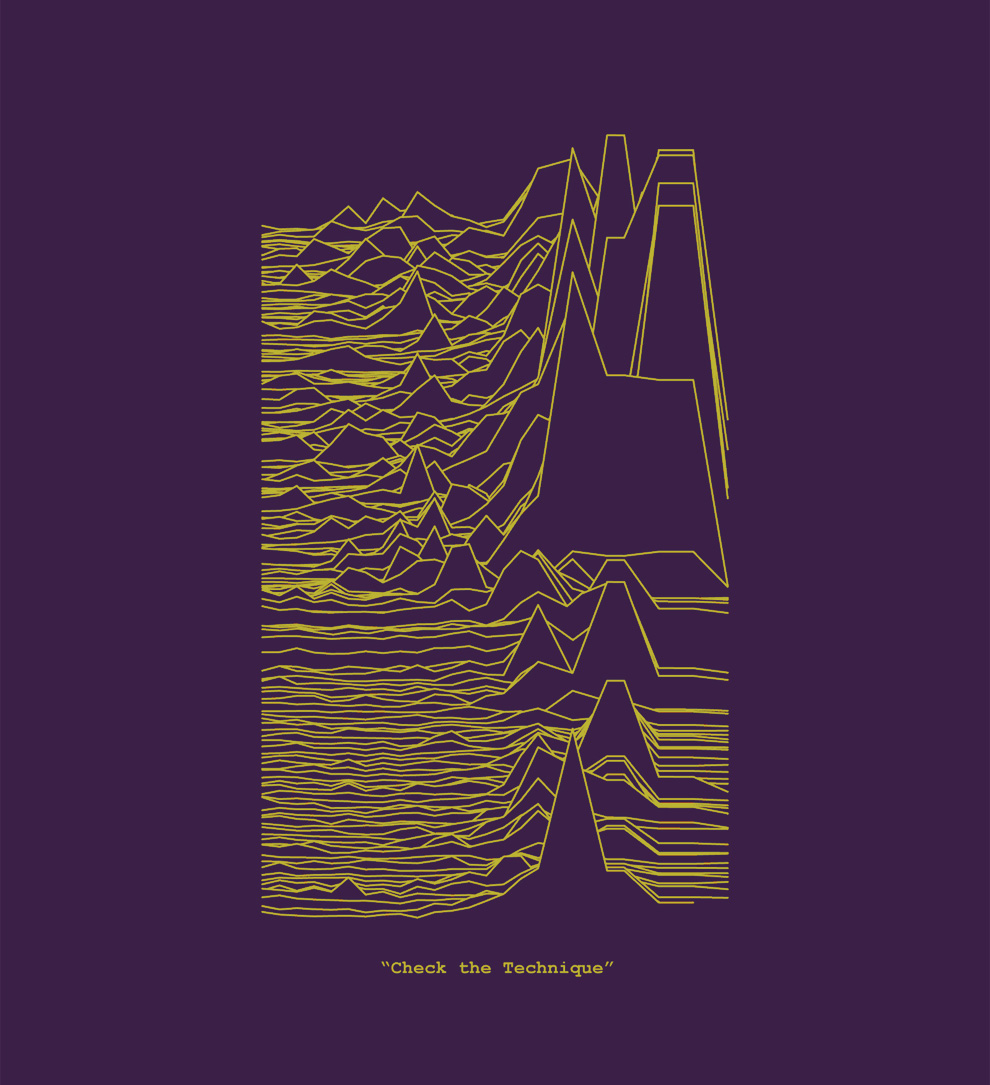
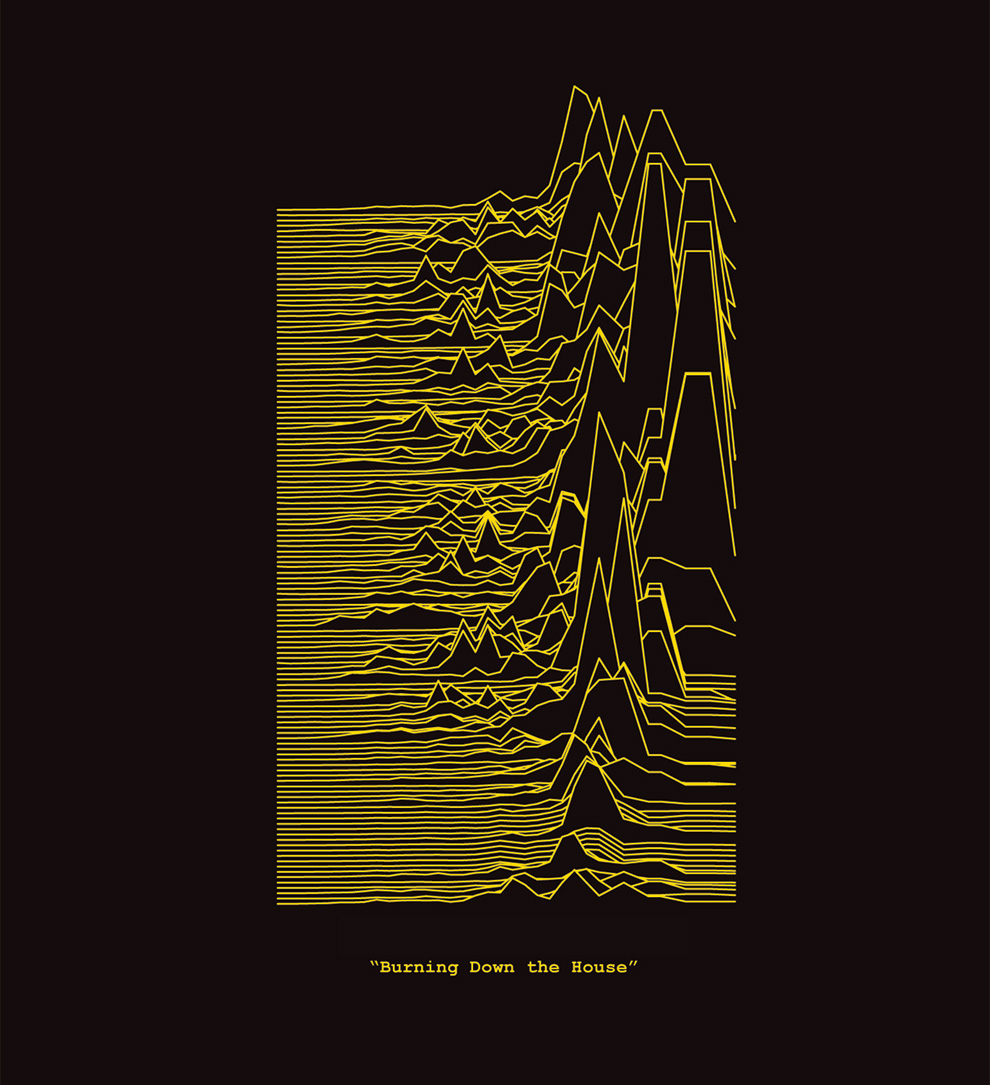
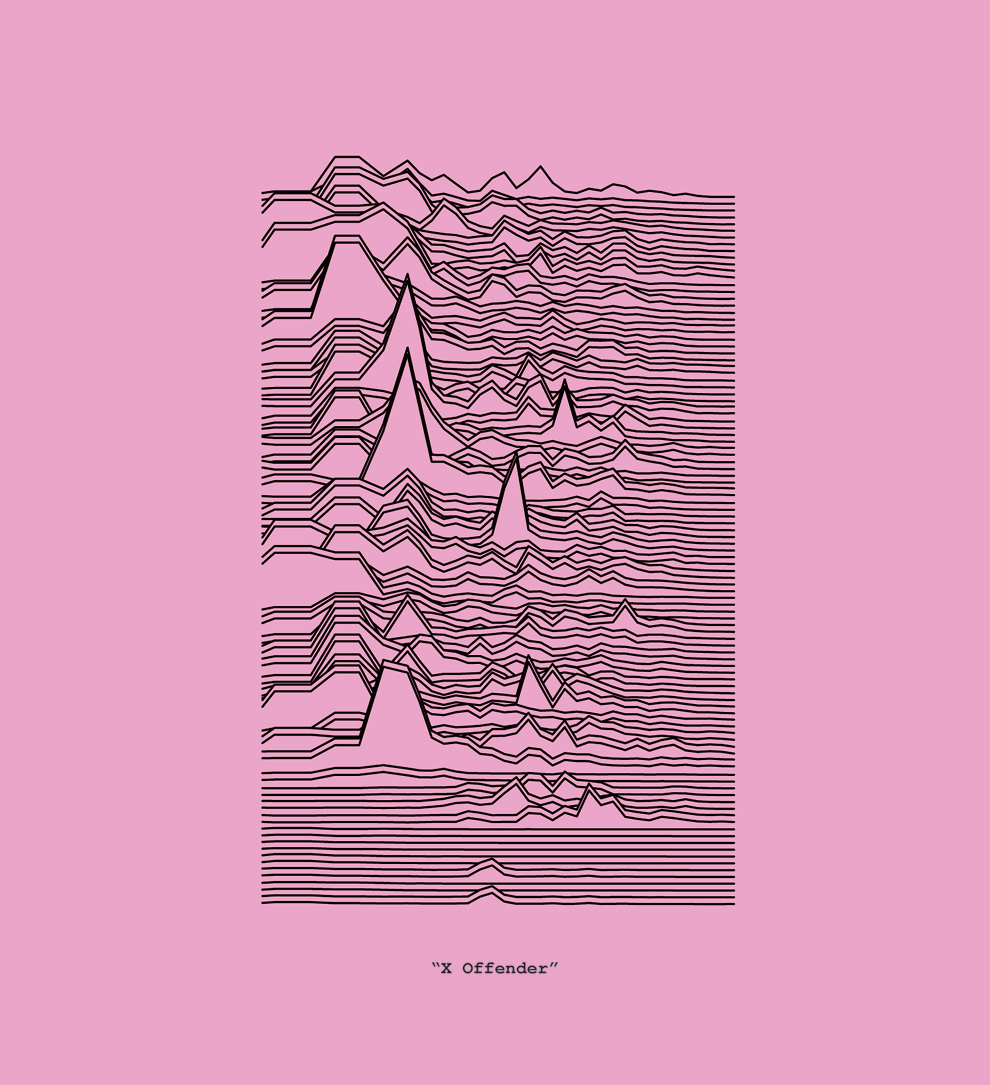
soundwave graphics

comp01

comp01

comp01

comp01

comp01

comp01


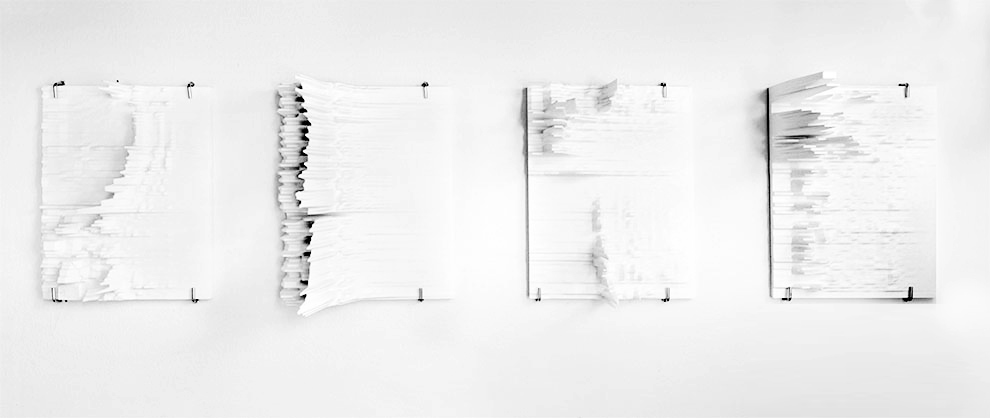
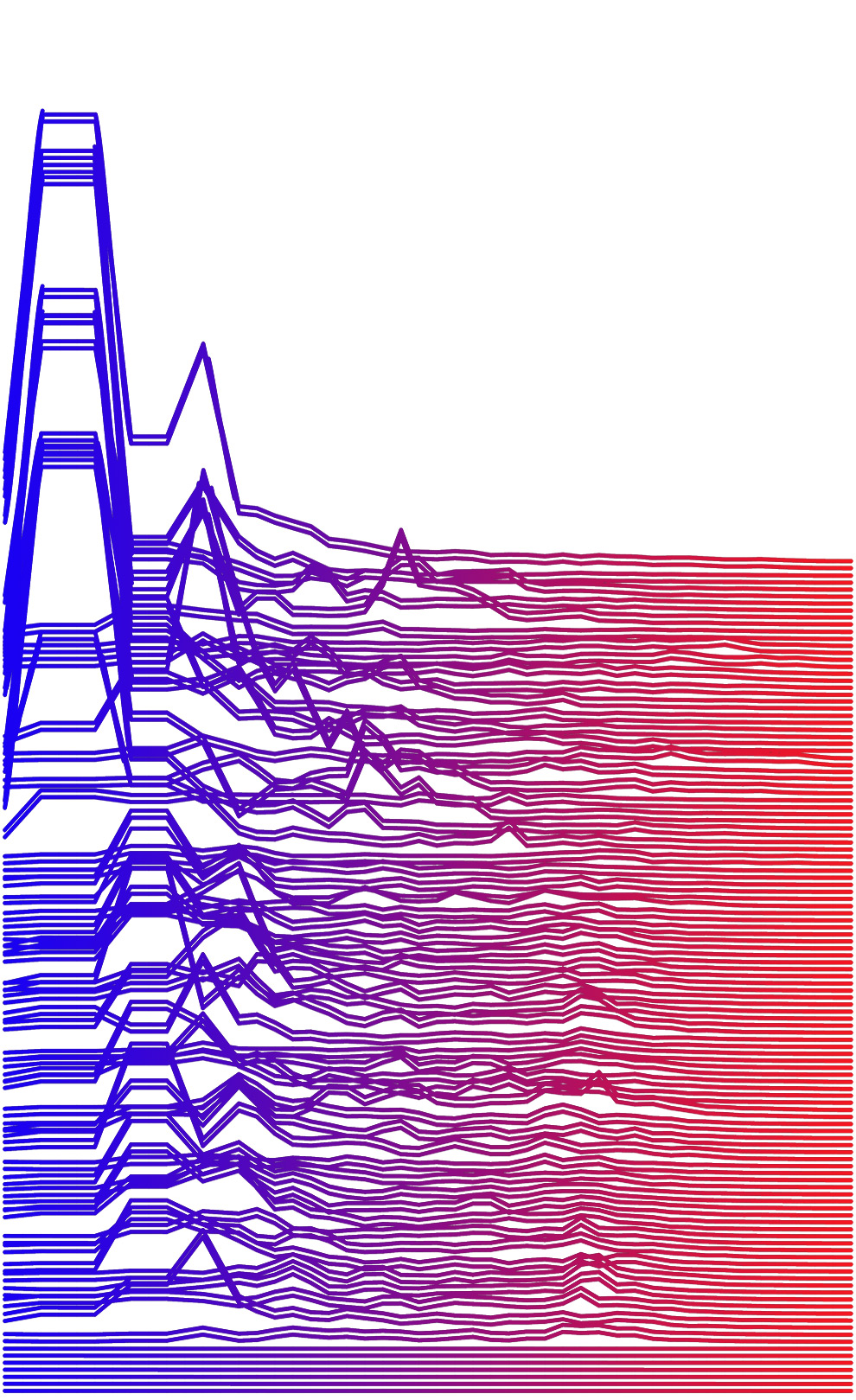
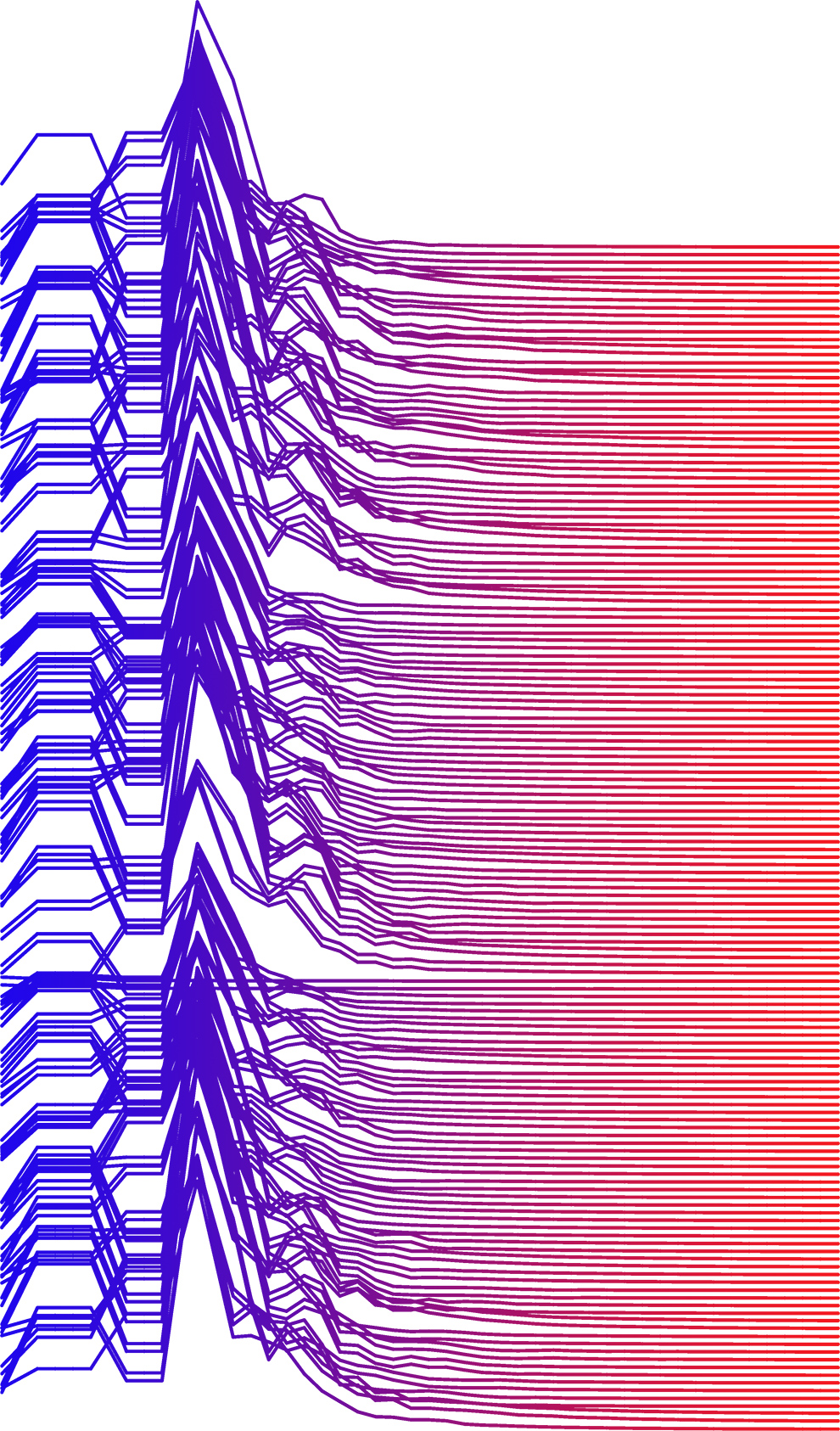
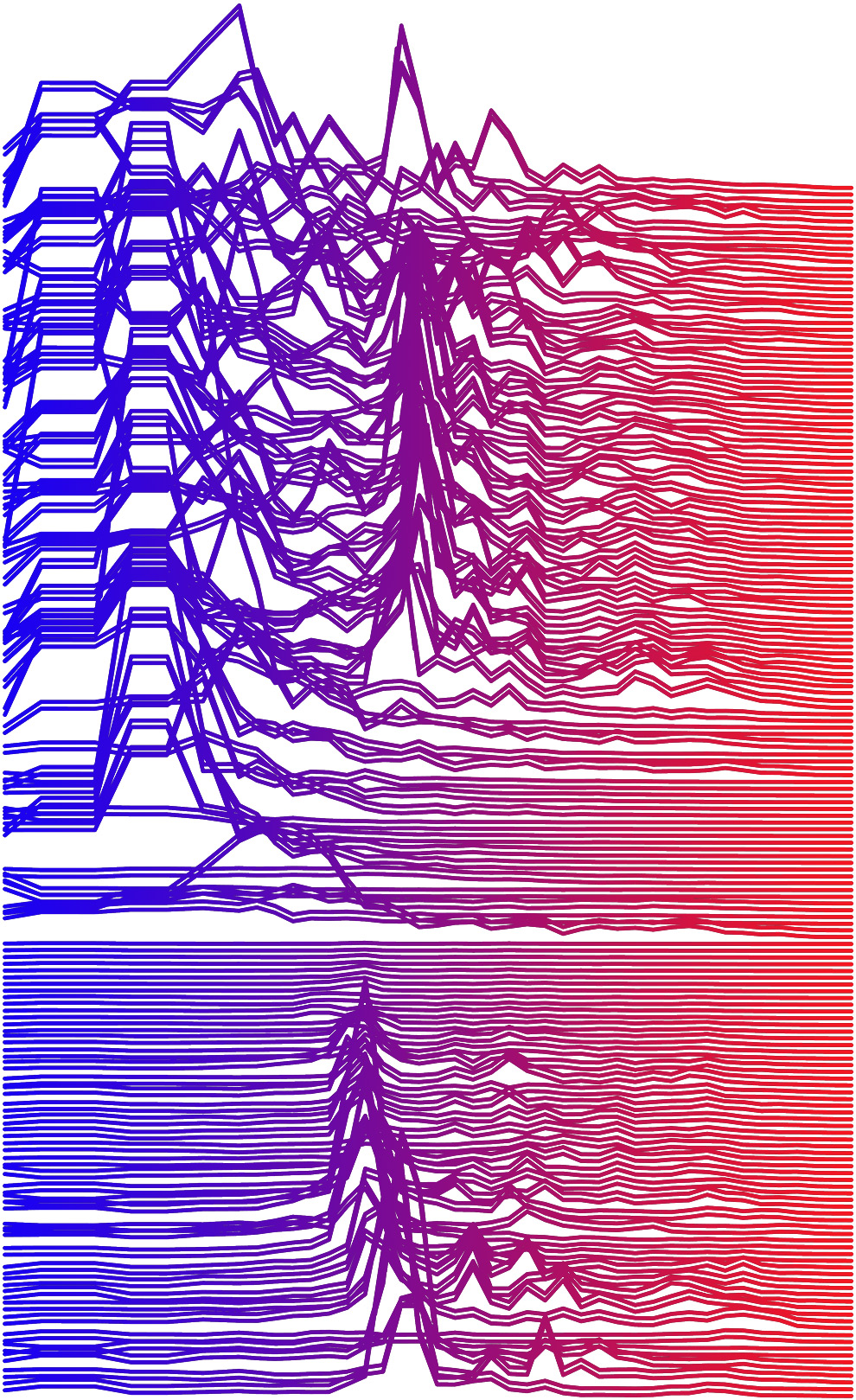
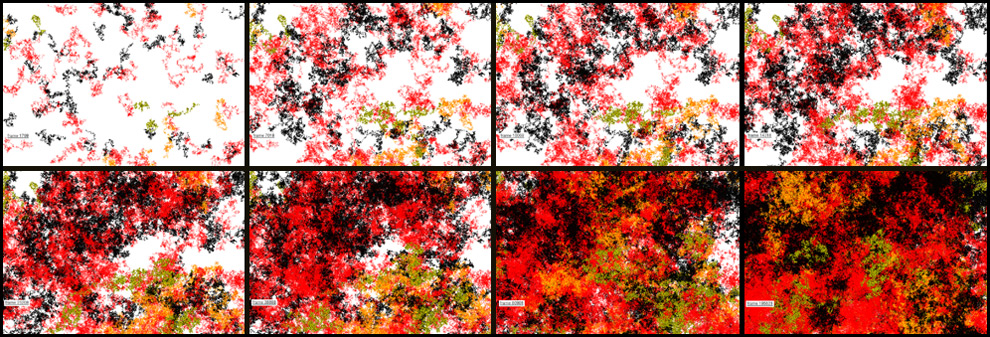
Working on a series of comparative analysis of New York groups with Jackie.

Popularity: 6% [?]
20090524 Tags: architecture, fabrication, gsapp, interaction, processing, school, scripting | No Comments »

interactive elevator installation

living01
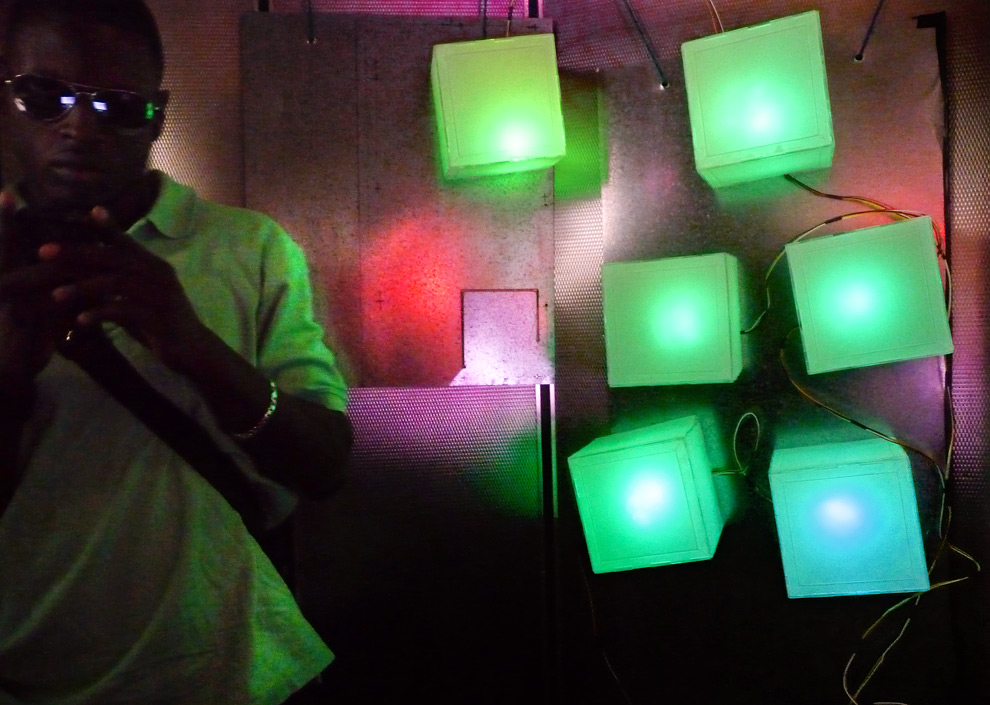
For our living architecture course, we created an interactive light installation in the elevator of Avery Hall, controllable by anyone with a cell phone and a twitter account. The simplified process includes texting an emotion to twitter from any cellular phone using the #livarch hashtag. That tweet is then picked up by a realtime search, fed through our twitterfeed rss, then added to our own twitter account. For a more detailed explanation, see this previous post on getting multiple twitter users onto one twitter feed. That emotion is then directed to our pachube feed and sent through processing to an arduino microcontroller that controls the color and pulsing of the individual leds. The installation non-invasively attaches to the surface of the elevator via magnets. Allowing it to be placed on any metal surface, such as a building exterior, furniture, or a vehicle.


The lights within the elevator respond to the mood of the user. For instance, if a student texted “happy #livarch” the space within the elevator would begin to slowly pulse with a greenish/blue hue. However, if another student sent “angry #livarch” the first light will quickly flash a bright red. There are twelve lights total and show the collective mood of the twelve most recent users.


In this way, the elevator becomes a living representation of the collective mood of the building, but it is also hoped that a feedback loop can be created, a loop that actually influences the mood of those that ride the elevator. The emotion felt in the lobby will be altered by the time you reach the sixth floor. And that new emotion becomes what gets texted back to the elevator.


Lastly, future installations will be physically located away from the target user. For instance, Avery’s mood will be projected to the elevator in Uris Hall and vice versa. In this manner, we can both create a new form of pen-pal with distant locations, but also hope that our mood, whether angry, sad, happy or nervous, will both manifest itself in a new form of architecture, but also have an effect on the greater world around us.


The project team also included Talya Jacobs and Guanghong Ou.
See more for video and code:


living02c
more »

Popularity: 11% [?]
2009053 Tags: graphic design, gsapp, parametric, processing, school, scripting | No Comments »

the remix

john_laurent
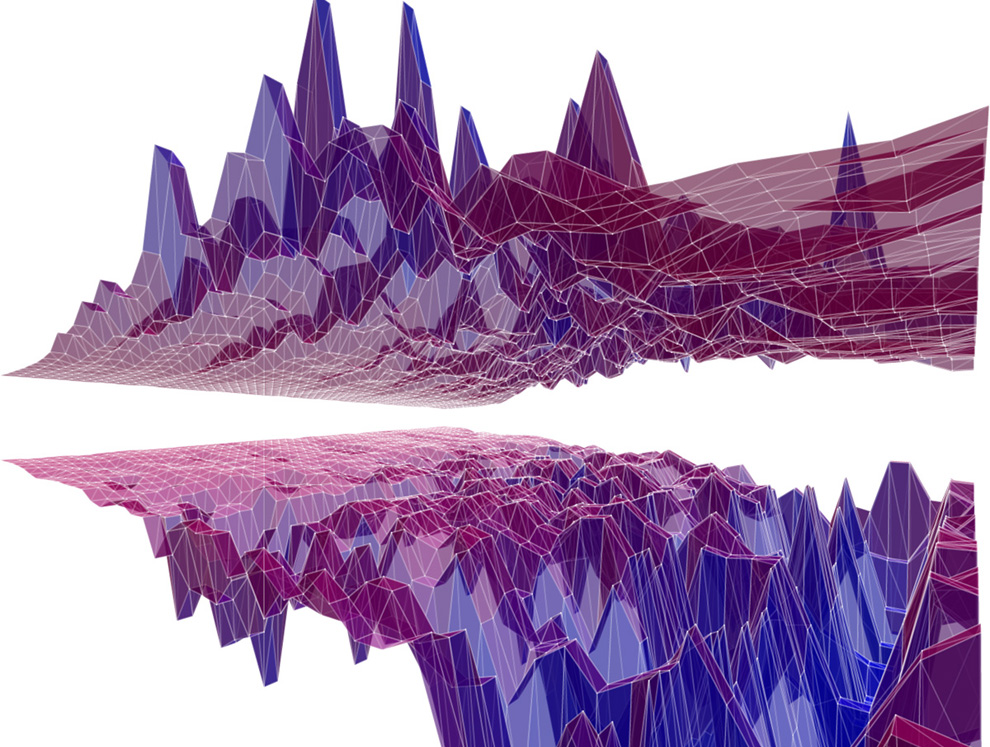
Mark Collins & Toru Hasegawa, the masterminds behind Proxyarch, and instructors of the course Search: Advanced Algorithmic Design at Columbia, ‘remixed’ the audio waveform code into something much more smooth and elegant. They’re awesome, and there were a lot of super interesting projects from the course which can all be viewed in the video here.

Popularity: 14% [?]
2009042 Tags: graphic design, gsapp, processing, school, scripting | 4 Comments »

visualizing sound in processing

02_waveforms
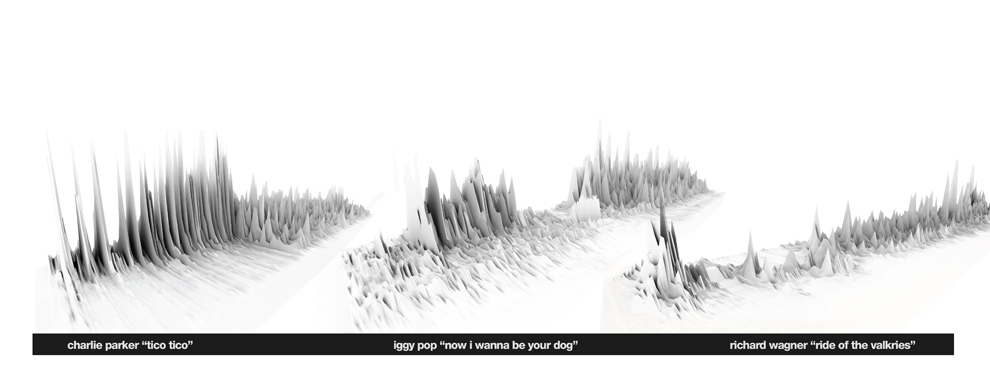
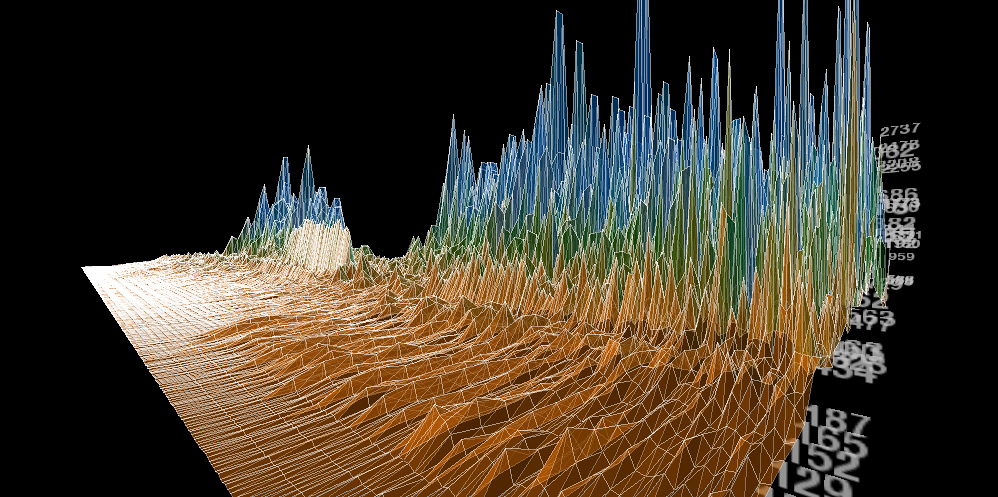
This was the final applet in motion. Using the minim library for processing, each waveform is generated in realtime as the two sounds play over eachother creating a pretty chaotic sound, but there are some instances of overlapping patterns where the mashup works pretty well. In the third version of the code, the boolean of the two waveforms is generated, producing a new way to visualize the waveforms. View the youtube video here, but I really need to figure out a way to add sound to the video, silence doesn’t do it justice. Charlie Parker, Iggy Pop and Richard Wagner comparison + code:


graphs_990


more »

Popularity: 15% [?]
2009036 Tags: gsapp, processing, school, scripting | 15 Comments »

iggy wave

dog
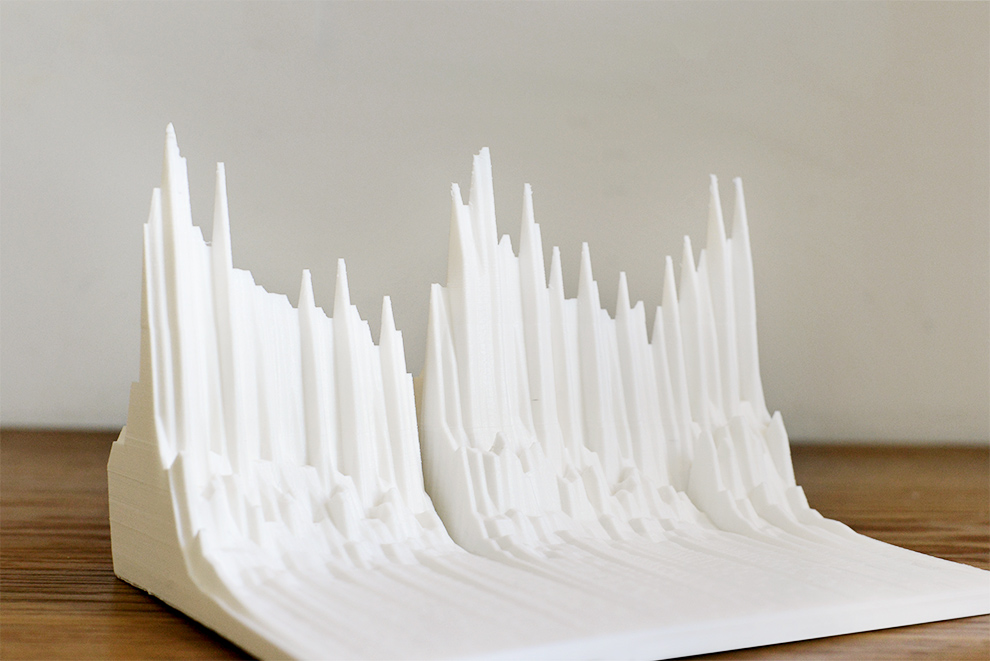
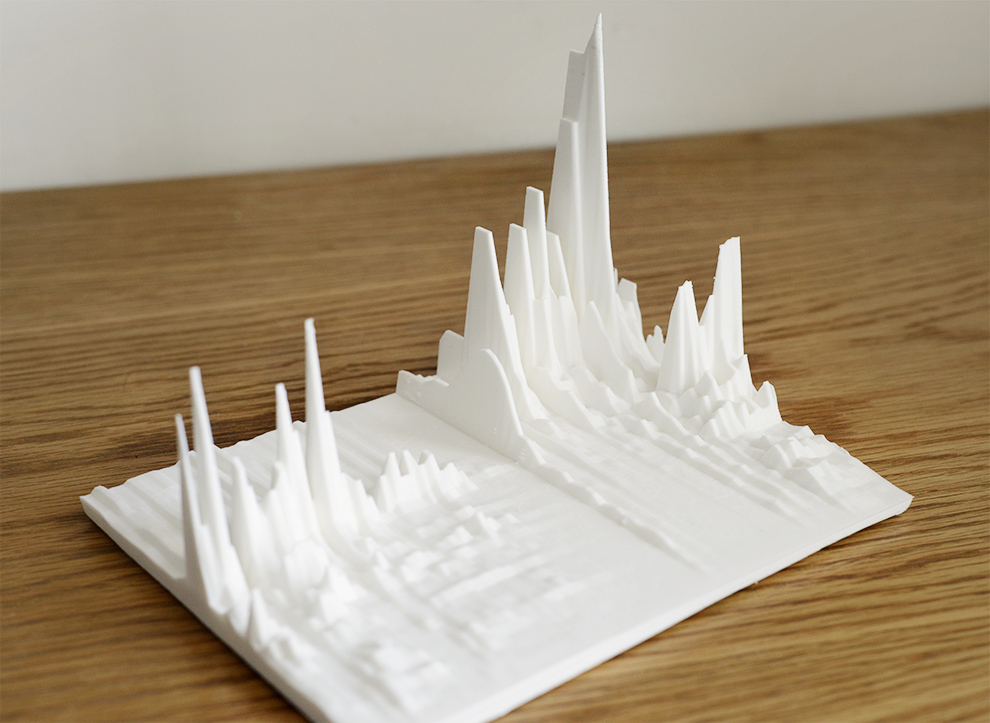
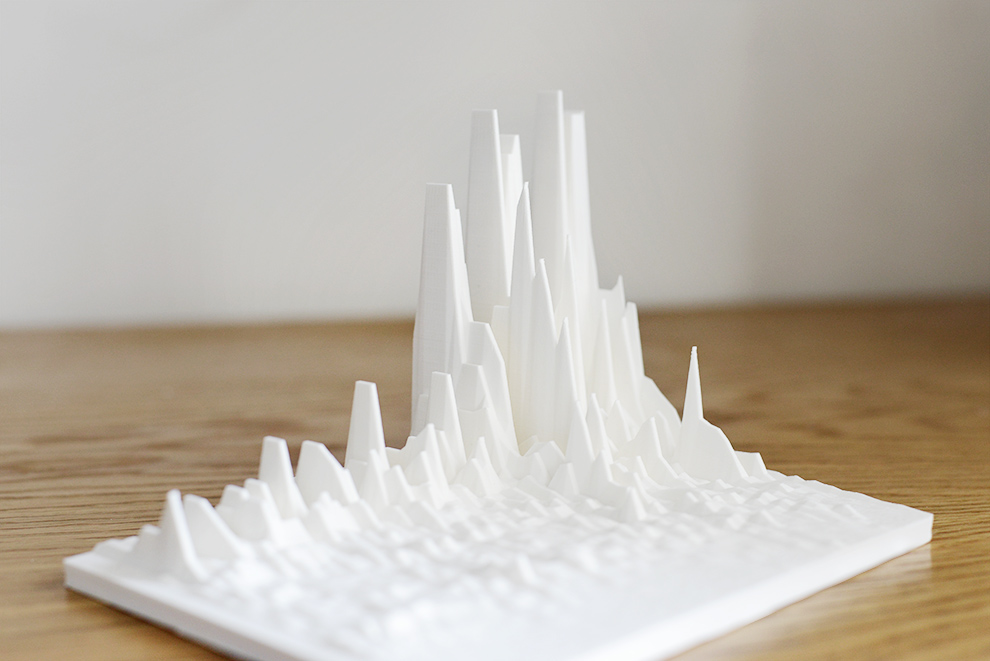
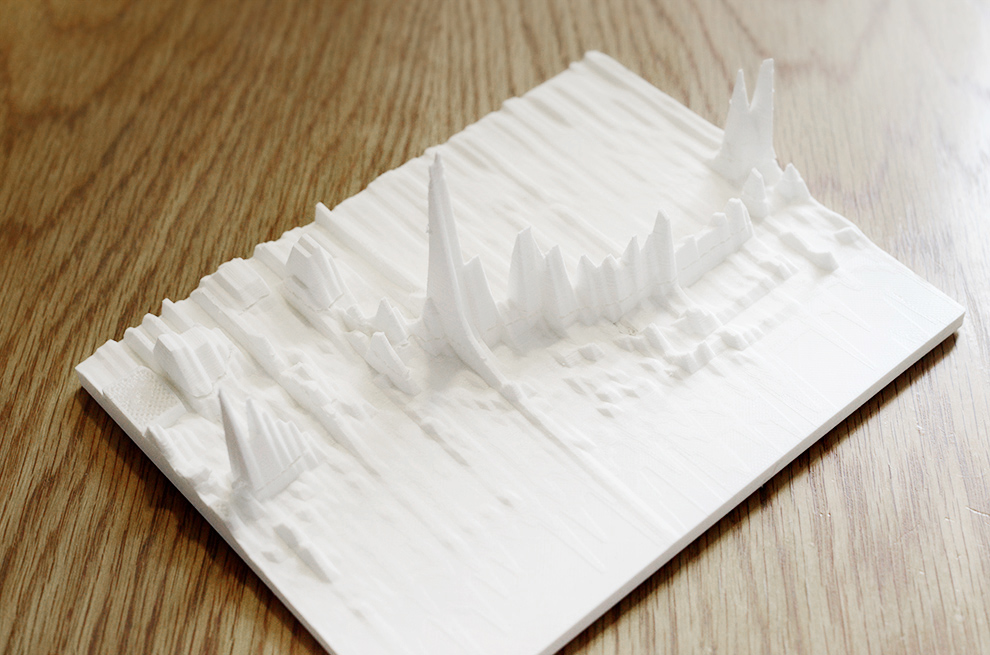
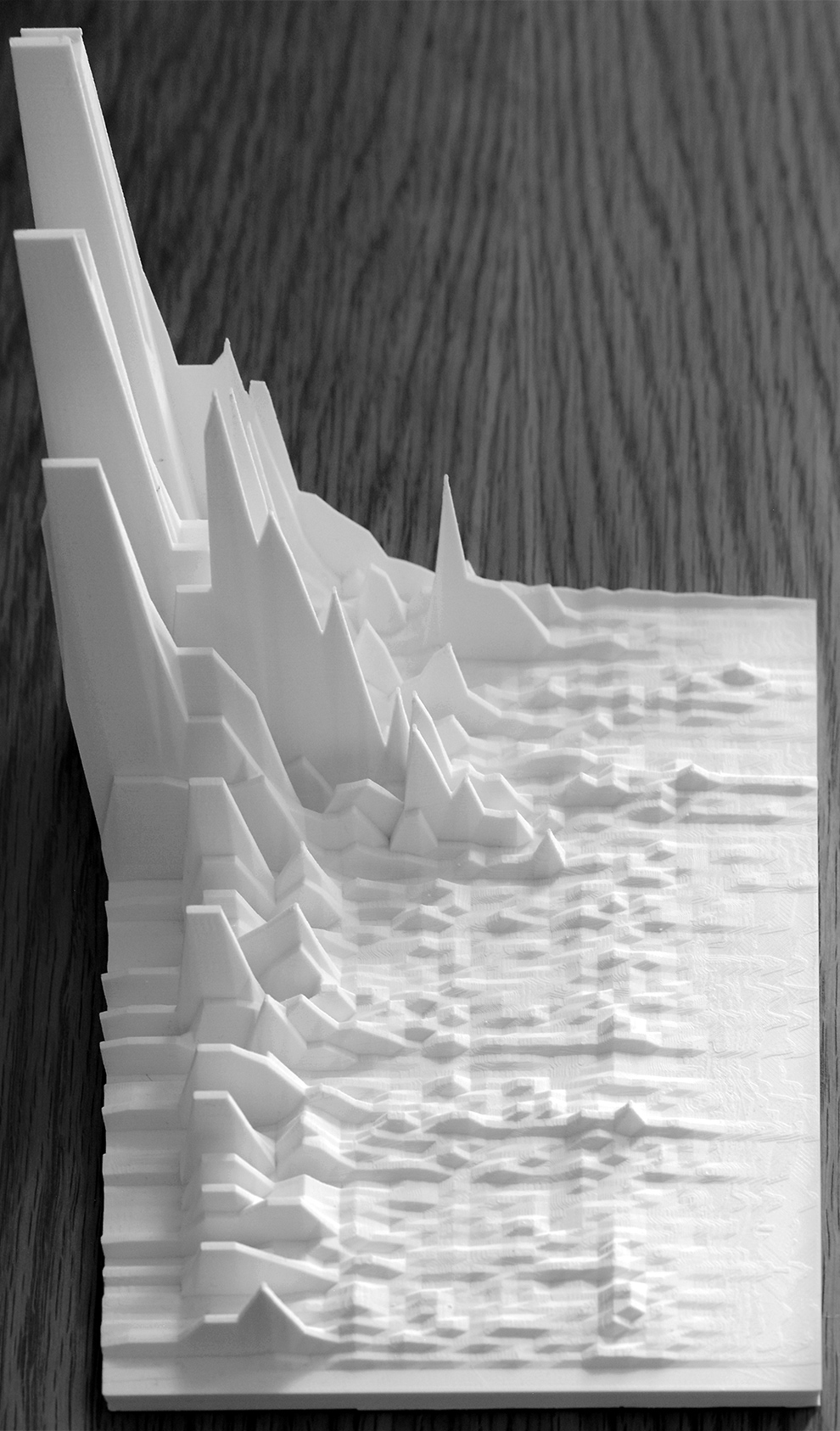
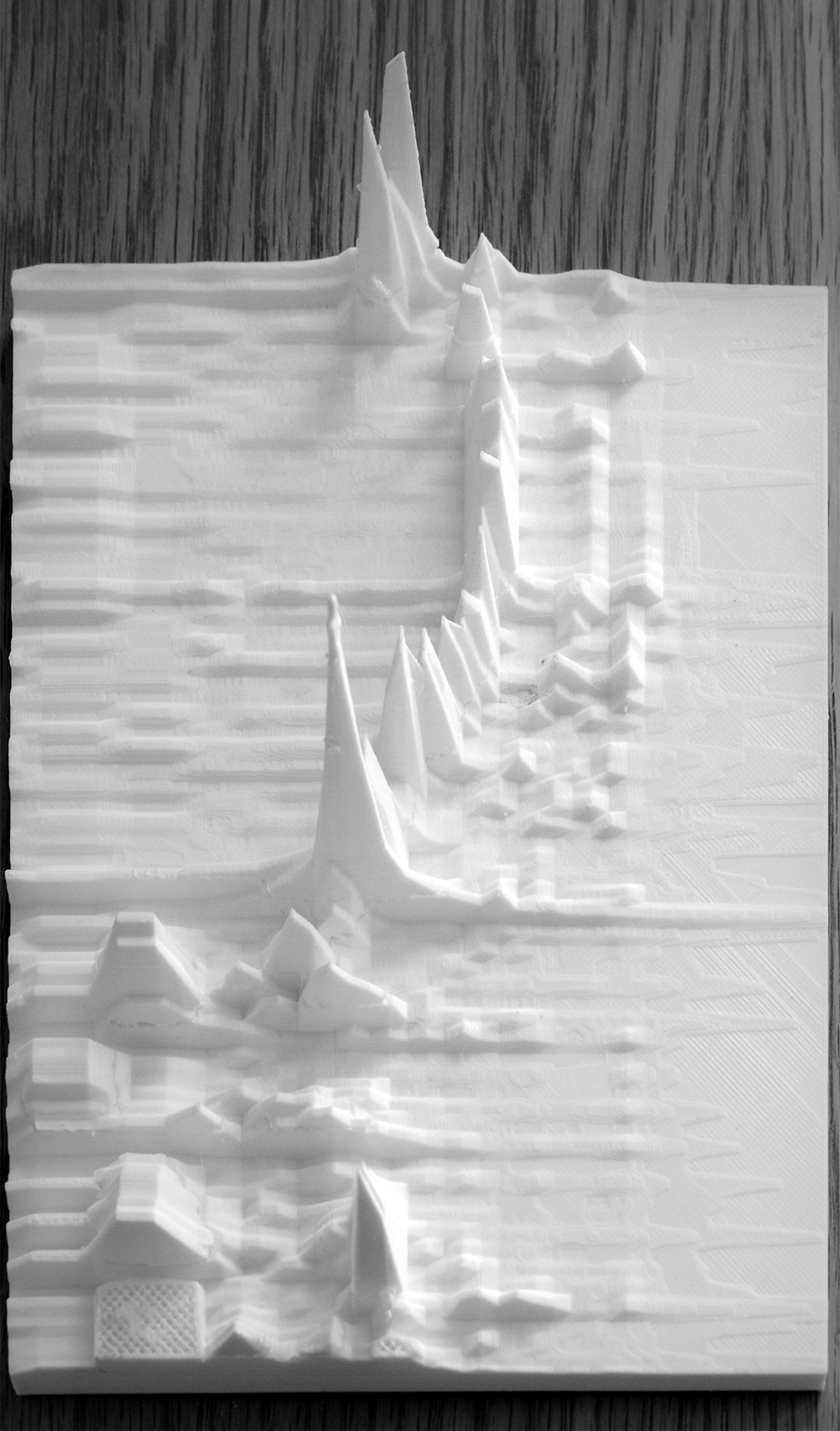
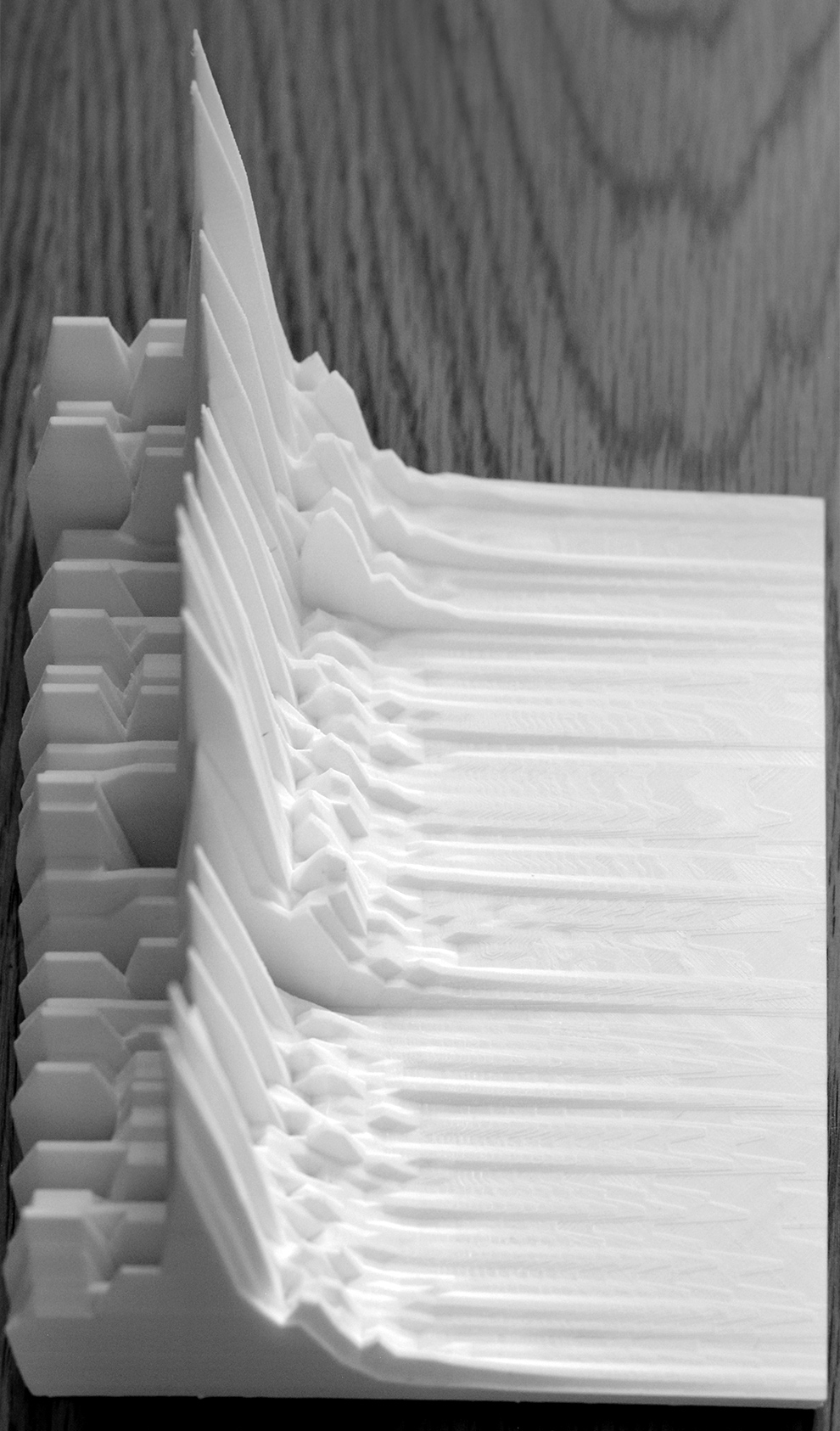
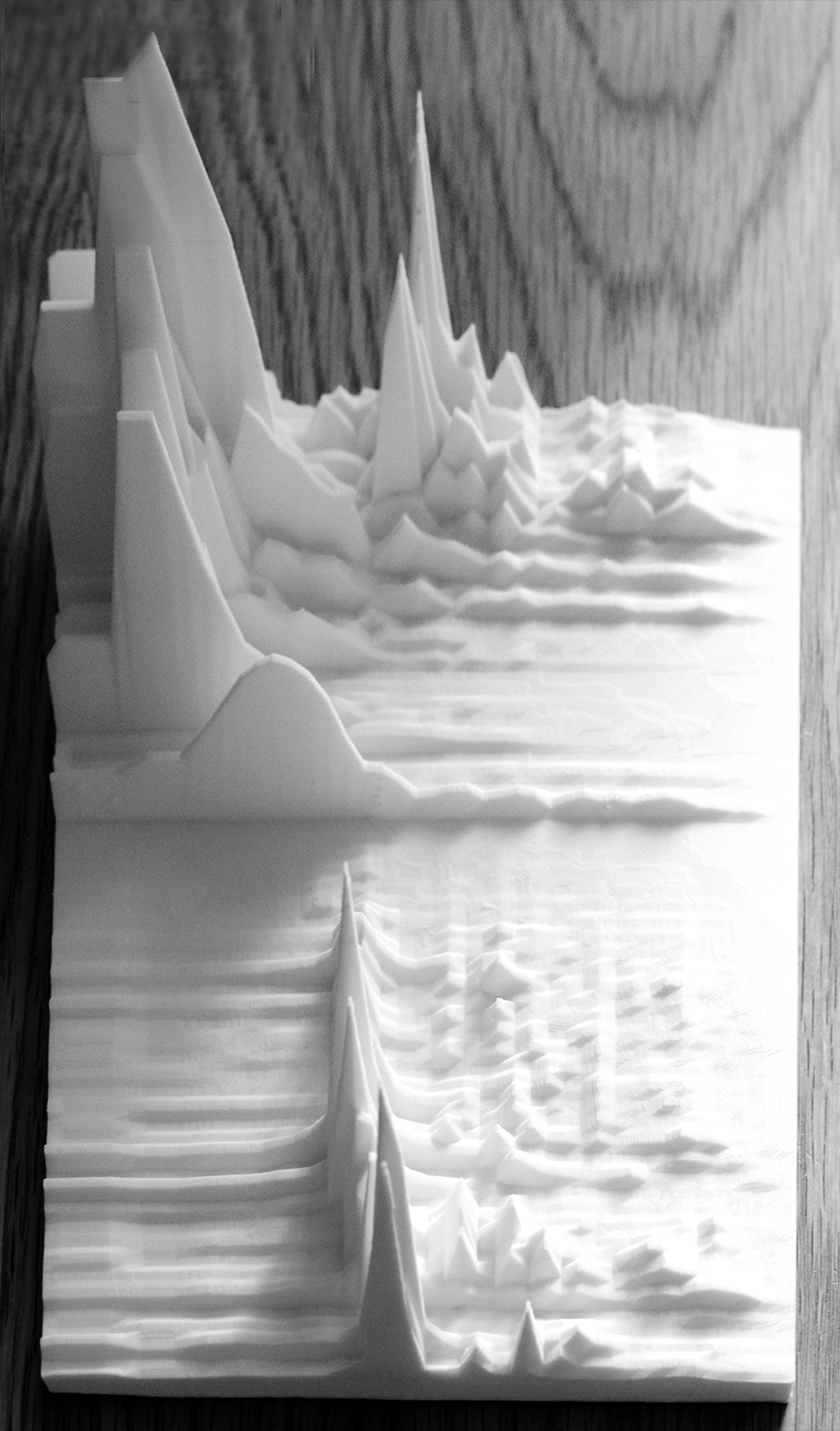
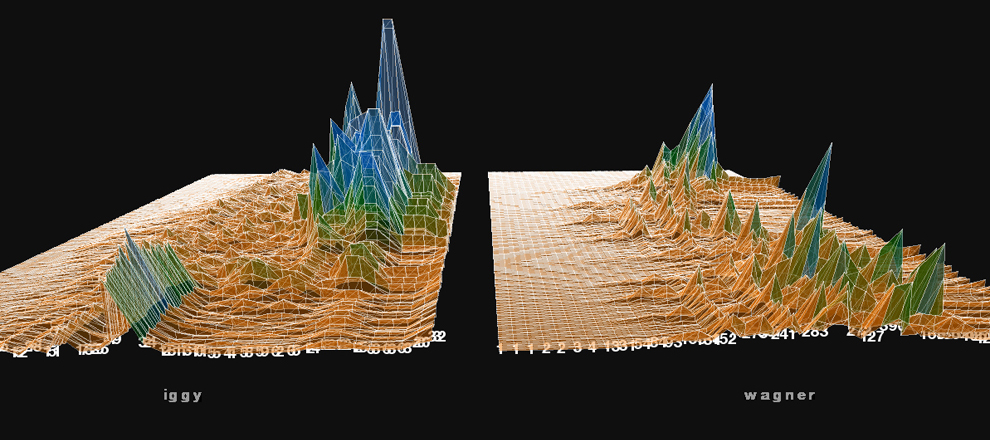
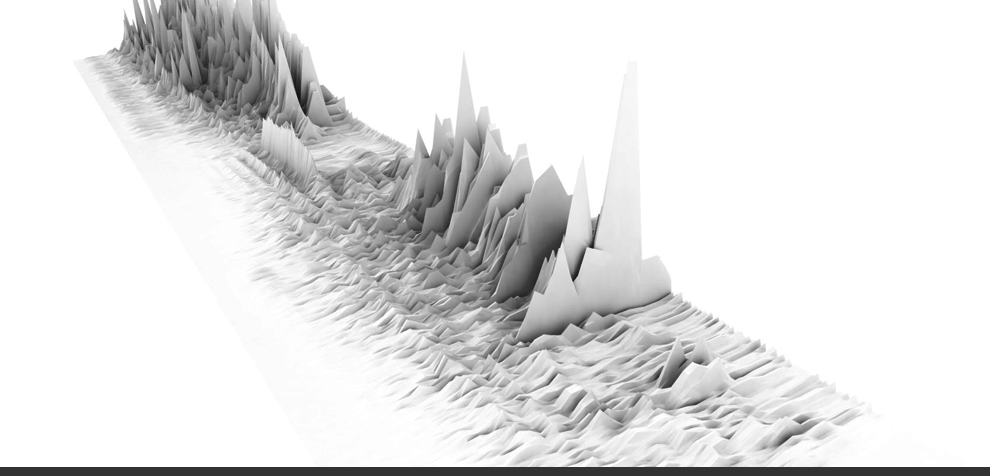
“Now I Wanna Be Your Dog” as a 3d landscape. I was using the minim library in processing to visualize the sound level data stream, then exporting out to rhino. Many thanks to the proxyarch team for help with the code.


EDIT:
Added link to processing app, see it in action (loud rock music will begin playing…so turn it up!)


http://gracefulspoon.com/processingapps/singlewave/index.html


processingapp

more »

Popularity: 9% [?]
20090228 Tags: graphic design, processing, scripting | No Comments »

processing growth

growingpoints


Looking at simple growth with classes and arrays. Next up, programming more behavior into the system.

Popularity: 4% [?]
20090228 Tags: processing, scripting | No Comments »

Processing to Rhino

upload011
upload021


I was playing around with different processing sketches and different export procedures to get cool images out of rhino. The dxf exporter works great for lines and solids, then once in rhino run a simple grasshopper command to pipe all the curves.

Popularity: 6% [?]

COPYRIGHT © 2011 \ JOHN LOCKE \ ALL RIGHTS RESERVED (RSS)

TOP OF PAGE

last update: 201102:1627