parametric image sampling
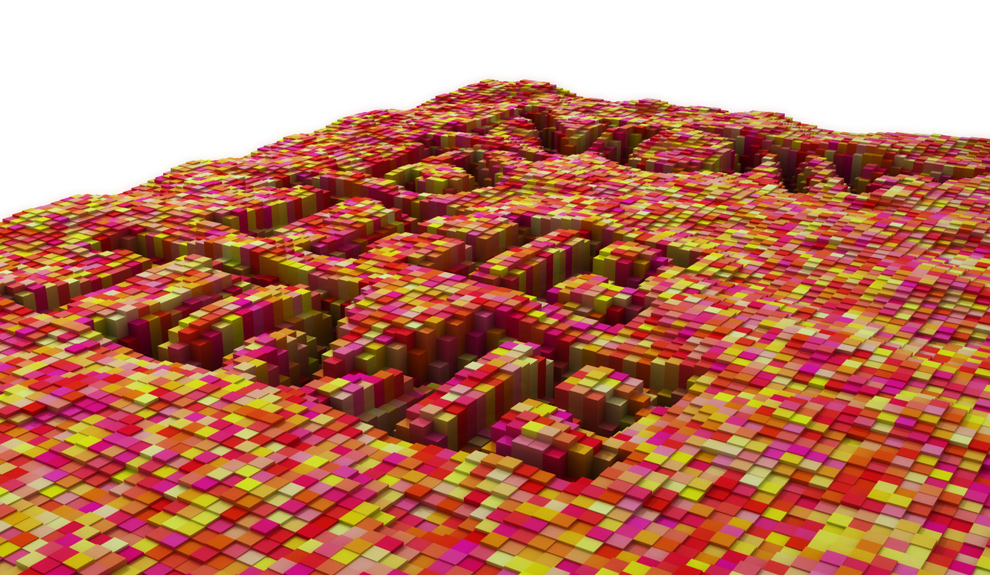
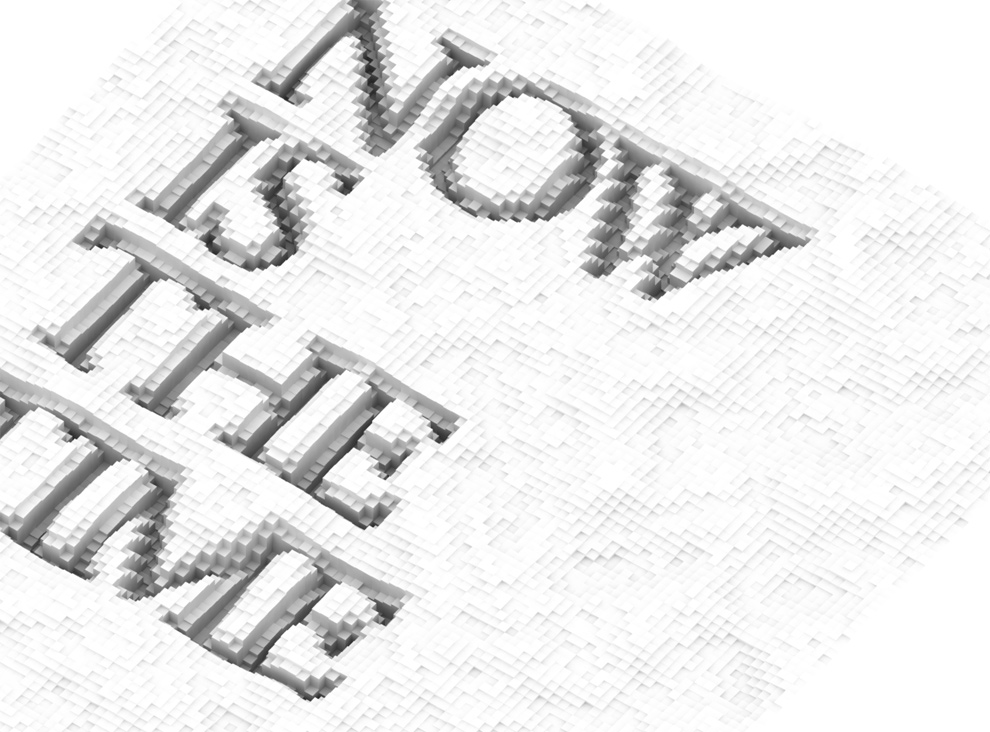
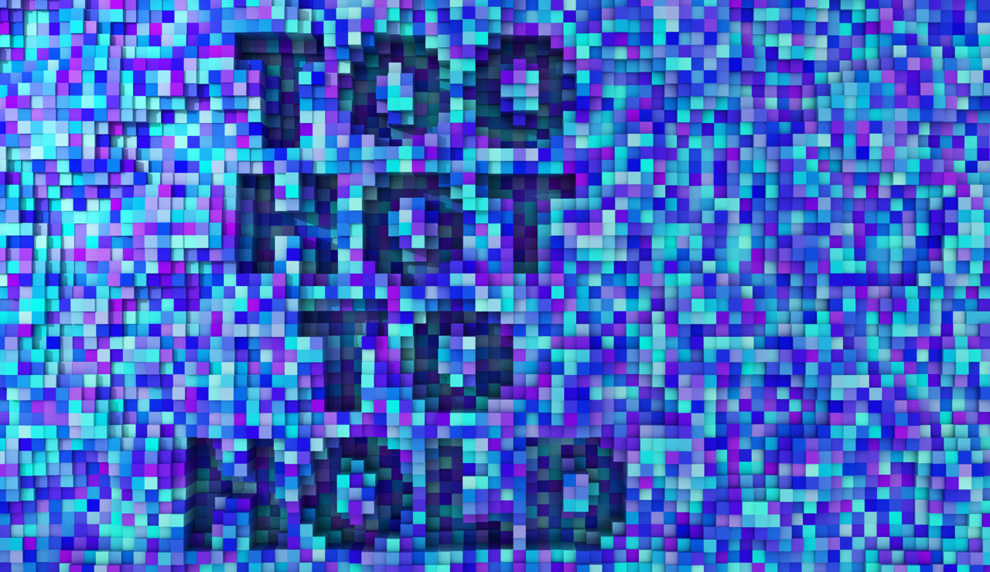
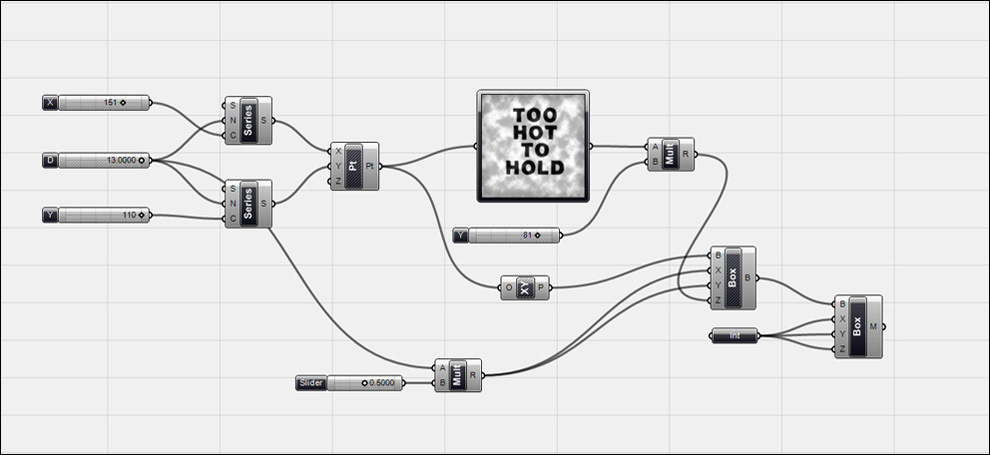
A simple test based on Sanghoon Yoon’s Grasshopper definition for using the new image sampler node, I swapped out a text image for an image image, because, well I just like fonts and 3D I guess. One of the things that’s cool is that the image is “live,” so as you change the text, the grasshopper definition updates. And of course you can also parametrically control the size of the pixels, the multiplication of the heightfield and the overall size of the surface. To get a random color on each polysurface, I modified Dale Fugier’s script located on the rhinoscript wiki page to include a function to assign the object color to the material color so it will render out in vray. See grasshopper definition and code below:
Edit: Added Link to download grasshopper definition and source image file. Click Here (zip file).

From Dale Fugier’s ObjectColor.rvb:
Sub SetObjectColorRandom
Dim objects, red, green, blue, i, material
objects = Rhino.GetObjects(“Select objects for randomly color change”, 0, True, True)
If IsNull(objects) Then Exit Sub
Rhino.EnableRedraw False
For i = 0 To UBound(objects)
red = Int(125 * Rnd)
green = Int(200 * Rnd)
blue = Int(180)
Rhino.ObjectColor objects(i), RGB(red, green, blue)
Call Rhino.ObjectColor (objects(i), RGB(red, green, blue))
material = rhino.AddMaterialToObject (objects(i))
Call rhino.MaterialColor (material, RGB(red, green, blue))
Call rhino.MaterialShine (material, 255)
Next
Rhino.EnableRedraw True
End Sub
October 30th, 2009 at 6:53 pm
Hello, i find this images really great. Im very new to grasshopper but i would really like to make something similar. If you dont mind, would you share your definition with me? i tried inserting your definition into grasshopper but it gave me unexpected results..
thanks in advance
October 31st, 2009 at 11:36 am
Hi Isaac,
I added a link to download the source grasshopper definition and the image file in the post above and here:
http://gracefulspoon.com/GracefulSpoon_ImageSampler.zip
Let me know if you have any problems getting it running.
November 2nd, 2009 at 5:16 pm
I have downloaded and tested it> works great… Thanks a lot!!!
November 3rd, 2009 at 12:01 pm
Cool! Let me know what kind of interesting stuff you make.
November 23rd, 2009 at 5:42 am
Hi Isaac,
ive been trying to get the sample to work but for some reason it keeps giving me just extruded boxes and no translation of the images. is there option I need to change in the image sampler window?
I appreciate if you find the time to answer back.
Cheers,
A
November 23rd, 2009 at 5:53 am
Hi Isaac,
messy grasshopper installation,
reinstalled and it works.
works like a charm.
sorry for the post.
August 3rd, 2010 at 6:44 pm
The Definition is just BRILLIANT…
but I can’t get the rhino script to apply the colors as vray materials
every time I try to run it it says “compilation error unterminated string constant”
Thanks in advance.
September 13th, 2010 at 11:46 am
heya ..evn i tried running the defination ..only a line of extruded boxes is coming and the last box component comes red ..sayin invalid plane …can u guide me ..thankin u 🙂
October 17th, 2010 at 7:36 am
Thanks for sharing the script. It is exactly what I want.
However, I can only see the random colour in the “shaded view”, when i render in v ray, there is still no colour. Could you kindly explain to me the problem?? I am a beginner in Rhino.
November 7th, 2011 at 6:24 pm
This is an amazing definition! I tried it on a few grayscale images and it works fab.! I, however, couldn’t get Rhino to do a nice rendering; tried shadows, ghosted etc., but nothing as nice as the images you’ve posted. What do you suggest I should do? Thank you so much!
October 1st, 2012 at 3:06 am
Hi there, thank you for the awesome definition!!
It works well when i use the picture that comes with it “to hot to hold” but when i substitute the image with one of my own, there is an error in the last component (mesh box) that says “Error: Solution Exception: Plane is invalid”
How can I solve this problem?
PS: Some of the components have the word “old” plastered across it, like the pointsXYZ and Multiplication components.