closest point on a curve

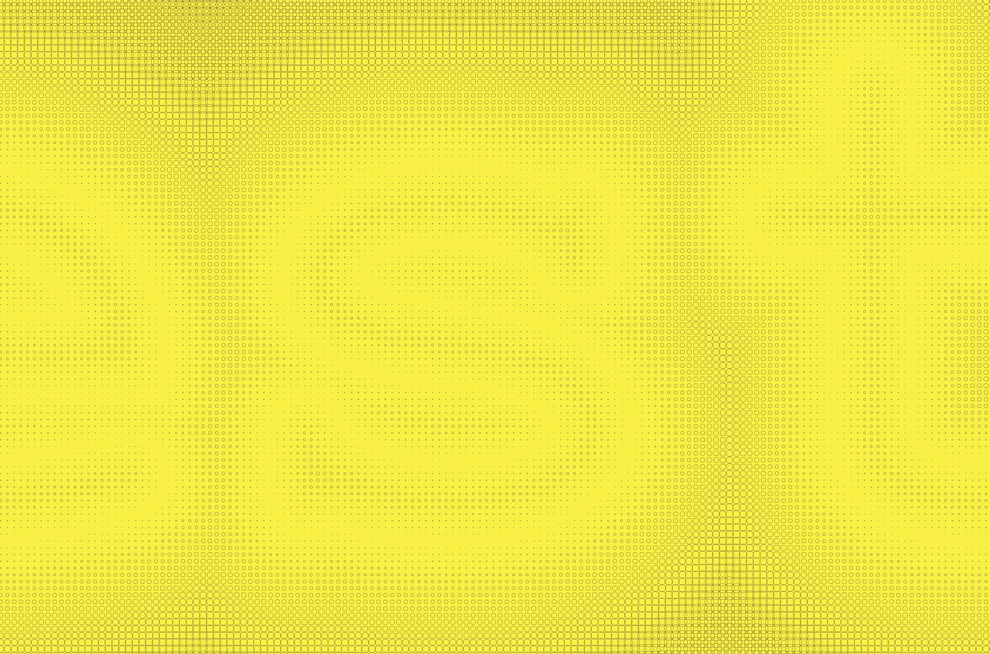
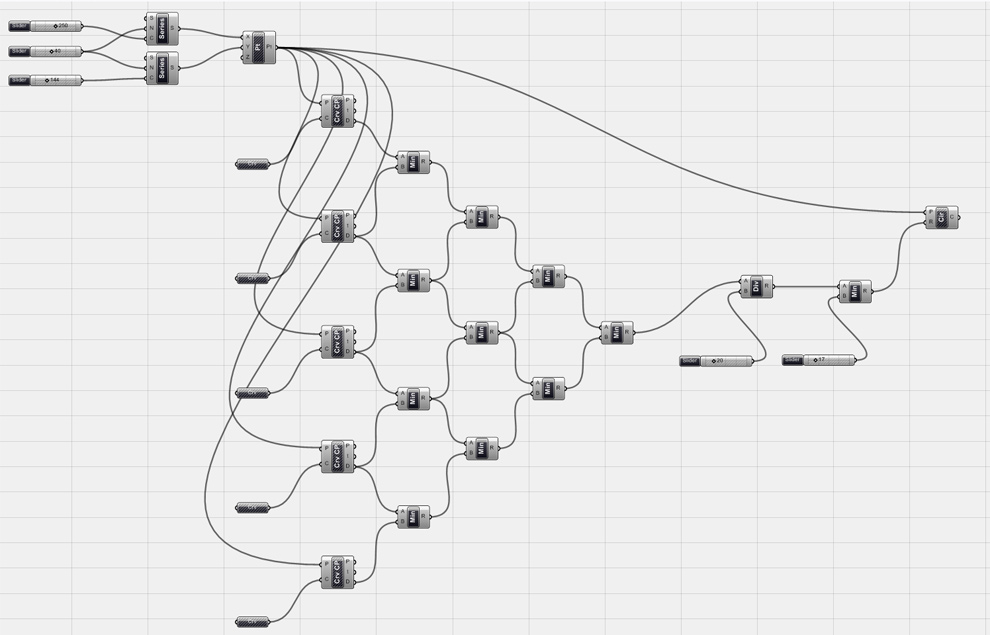
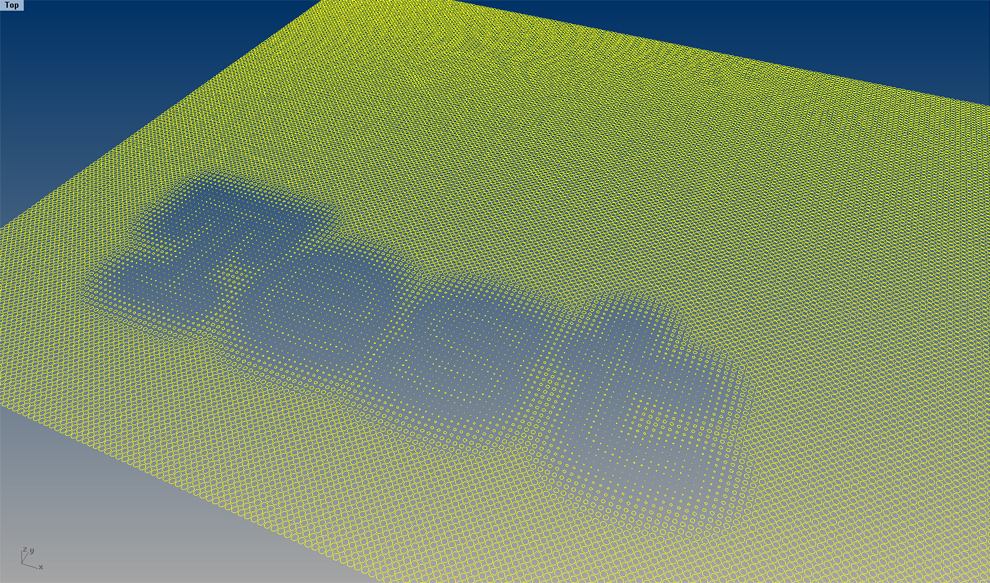
The “Curve CP” node in Grasshopper allows a curve to act in a similar manner to a point attractor, but checks the distance for the closest points along the entire length of the curve as opposed to one single, solitary point. Here, the curves are generated from a text object. It basically becomes multiple attractor curves, something that could be used for super graphics or possible a glazing frit pattern. Things get a little hairy in the grasshopper definition (see below) when you start getting a lot of letters, so that needs to get resolved for this to work with an entire sentence, or anything longer than four letters. A script font that creates one continuous line would work perfect, but is something of a cop-out, so in the meantime I may have to consult the pros on the grasshopper forum.

October 22nd, 2014 at 7:11 am
Hello,
I am facing some issues, I recreated the code and set the crvs onto a simple rhino line but it doesn’t create the similar effect shown in your images for example, the different gradation of circles around the crv. Instead all it makes is a line with several X controlled by the sliders. Any thoughts? Or is it because of the crvs? I tried a x-y line, set each crv in the code with one rhino line.
Thanks.
October 22nd, 2014 at 2:04 pm
Lee, sounds like a scale issue. You need to get the circles to a smaller radius to show the effect. Try to scale the curve down or adjust the division sliders.