jpg portrait into grasshopper
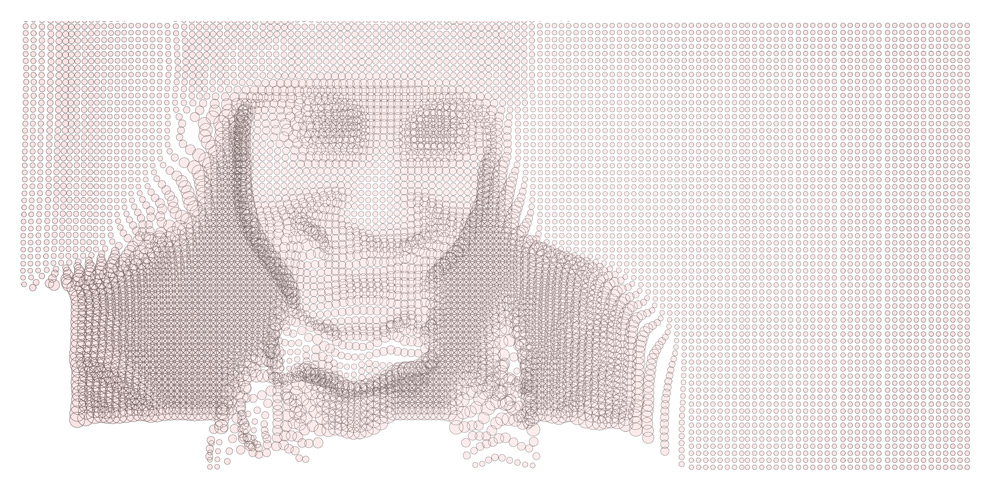
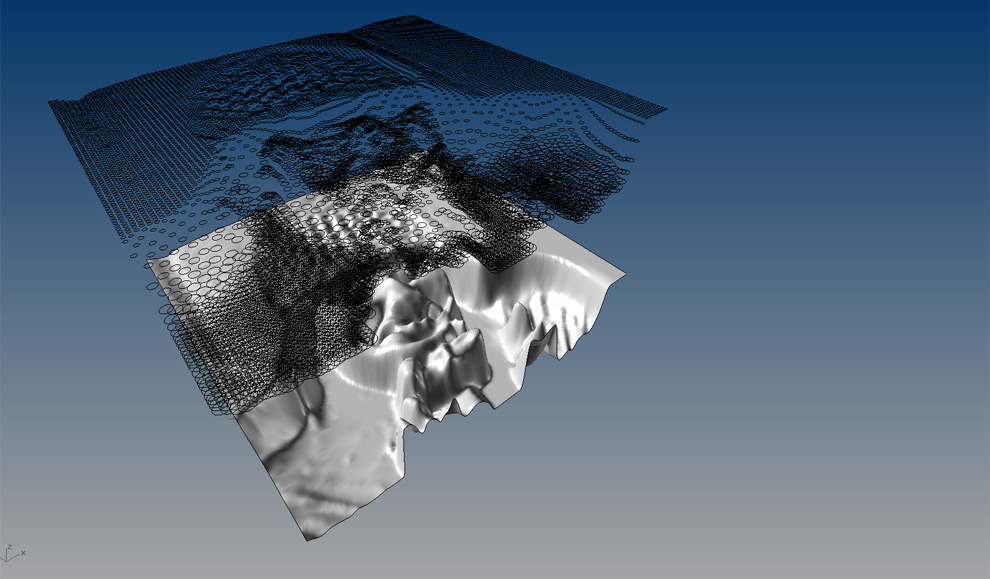
The surface pattern is created in grasshopper from a jpg sourced, heightfield surface. The diameter of the circles are a factor of the z-depth of the resulting heightfield and can be parametrically controlled.
Download the grasshopper definition and rhino file here.
December 8th, 2009 at 5:01 pm
Great work, the images are really interesting! I would love to play around with this grasshopper file is there any way you could post the definition? Thanks
May 25th, 2010 at 1:35 am
Could you show us the ghx files?
May 25th, 2010 at 10:35 pm
My record keeping is better than I thought, download the files here:
http://gracefulspoon.com/downloads/gracefulspoon_heightfield.rar
Let me know if you have any questions, best
[EDIT: REVISED LINK]
November 6th, 2012 at 6:04 am
Hi! this looks great!
how did you make the depth from Jpeg file?
November 6th, 2012 at 10:25 am
June, use the “heightfield” command in rhino. It’s pretty crude – darker colors simply recede – but can be effective to simulate depth from an image.
February 26th, 2013 at 1:09 pm
Thank you for the share this great grasshopper work!
How did you paint light brown inside of plenty of circles on top picture?
February 26th, 2013 at 1:21 pm
Pretty easy – just use the Make2D command in rhino, export as .AI, then open in illustrator and add a fill.
February 27th, 2013 at 1:00 am
Thank you so much! It’s perfect!
June 13th, 2013 at 8:52 pm
Looks cool! Thanks for the share, gonna play with some images now
March 6th, 2015 at 6:56 pm
Hi John, could you make a tutorial for this, looks awesome!!